
How to Run a Mobile Release in Slack Without Adding Another Dashboard
Mobile teams already live in Slack. Here's how to run releases there — with assigned steps, store notifications, and less tool sprawl.

Mobile release coordination has a tool sprawl problem. Jira holds the tickets. CI holds the builds. App Store Connect and Google Play Console hold the submission status. Email holds the approval notifications, if anyone reads them. Slack holds the conversations where someone finally asks, "Wait, are we live yet?"
Each tool is reasonable on its own. Together they create a tax: five places to check, five places where status can be wrong or stale, and a release manager who spends half their time being a human API between systems.
The fix is not another dashboard. Your team is already in Slack. The release should run there too.
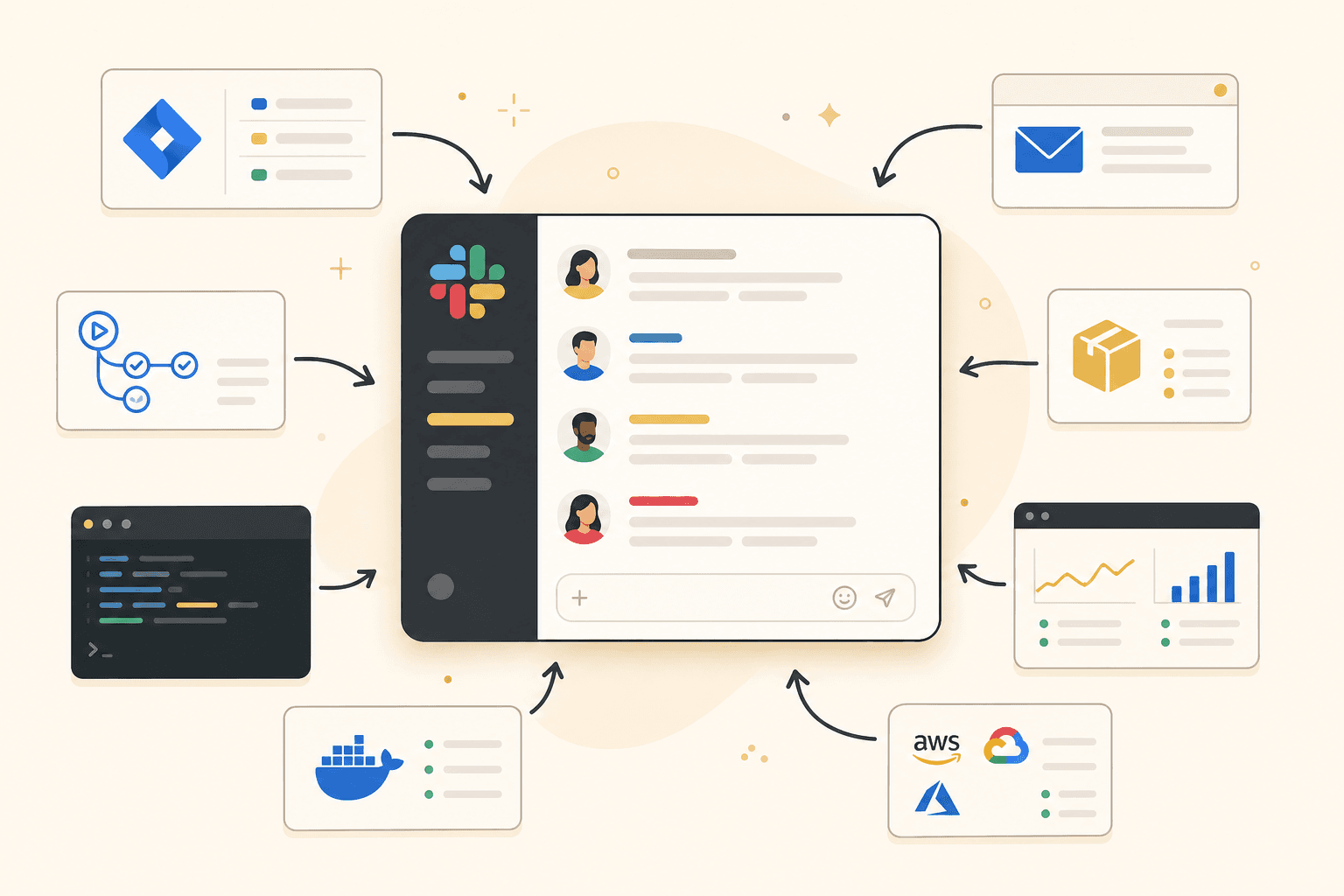
Why Slack is the right hub
Mobile teams cluster in Slack for good reason. Releases are cross-functional. A developer, a PM, a QA lead, and sometimes a stakeholder weighing in on go-live timing all need the same picture. Slack is where urgent questions get answered, where blockers get escalated, and where "approved but not live yet" becomes a business decision rather than a technical detail.
What Slack lacks is structure. A thread about the spring release mixes build failures, QA findings, store status, and someone asking about lunch. Important updates scroll away. New joiners cannot tell whether QA has started without reading forty messages.
The goal is not to replace Slack. It is to give releases a clear shape inside the channel your team already trusts.
The /releasesteps workflow
ReleaseSteps is built around a simple pattern: open a release in Slack, assign steps to people, and let the thread become the source of truth.
A PM or tech lead runs /releasesteps in the release channel. They name the release — "v2.4 Spring catalogue" — and pick the steps that apply. Build, QA, store submit, approval, go-live. Each step gets an assignee. The release opens as a structured thread: current step, who owns it, what is done and what is next.
When the developer finishes the production build, they update their step in-thread. QA gets notified it is their turn. When QA signs off, the person responsible for store submission sees the handoff without a separate ping. The channel shows progress at a glance; anyone scrolling past knows where things stand.
No one opens a separate release dashboard. No one copies status from App Store Connect into a spreadsheet. The workflow lives where the team already works.
Store notifications without dashboard polling
One of the biggest time sinks in mobile releases is store status. Is the build in review? Approved? Rejected? Live? Someone has to check the console, and that someone is usually the developer who is least available when the PM asks.
ReleaseSteps connects to App Store Connect and Google Play so status changes post to the release thread automatically. When Apple approves your build at 6am, the channel knows. When Google rejects with a policy flag, the team sees the reason without email archaeology. The assignee on the approval step can act; everyone else has visibility.
This is the kind of automation that should be boring and reliable. Not a custom script that breaks when OAuth tokens expire, but a maintained integration that posts the right update to the right thread.
What stays in CI vs what stays in Slack
Not everything belongs in Slack. Drawing the line clearly keeps the channel useful instead of noisy.
Keep in CI and build systems: compiling binaries, running automated tests, code signing, artefact storage. These are machine jobs with machine outputs. CI should post pass/fail to the release thread, but the heavy work stays in the pipeline.
Keep in store consoles: uploading builds, filling metadata, answering app review questions. Developers with console access do this work; Slack reflects the outcome, not every click.
Belongs in Slack: step ownership, handoffs between people, go/no-go decisions, stakeholder sign-off, and status that the whole team needs to see. Humans coordinate in Slack; systems report into it.
The sprawl reduction is real. Jira stays for tickets. CI stays for builds. Consoles stay for submission. But the release thread in Slack becomes the one place to answer "where are we?" — without opening four tabs.
Reducing tool sprawl without losing rigour
Teams sometimes worry that running releases in Slack means losing audit trails or process discipline. It does not have to. A structured release thread with assigned steps, timestamps, and store events is a better record than a Google Doc that was never updated and a Slack channel full of unstructured messages.
The rigour comes from the workflow: defined steps, named owners, automatic notifications. The simplicity comes from the location: one channel, one command to open a release, one thread to follow.
You do not need your PM to learn App Store Connect. You do not need your developer to become a release manager. You need everyone to see the same status in the same place, and to know when it is their turn.
Try it on your next release
Pick your next ship. Open the release in Slack before the build starts. Assign the five steps. Let store approvals post themselves. See whether anyone asks "what's the status?" in a DM.
If they stop asking, you have solved the coordination problem without adding another tool to the pile.
Start running mobile releases in Slack — see ReleaseSteps pricing.